Payment Devices | Instructions and User Guides
- Quest 850 guide.pdfDownloaded 621 times
- Quest 850c - connect to a WIFI network.docxDownloaded 606 times
- Quest 850c signage.pdfDownloaded 614 times
- Quest support contact info and common error codes.docxDownloaded 711 times
- NAB Eftpos QT850_guide.pdfDownloaded 836 times
- NAB Eftpos QT850_Support Number and information.pdfDownloaded 1027 times
- NAB Eftpos QT850_Troubleshooting-guide-standalone-eftpos-terminal.pdfDownloaded 1158 times
- NAB Eftpos QT850 How to edit screensaver settings to save battery life - NAB Loan.pdfDownloaded 584 times
- NAB QUEST QT850 terminals - joining WIFI.docxDownloaded 522 times
- NAB Move 5000 guide - Integrated and Standalone.pdfDownloaded 632 times
- NAB Move 5000 ingenico-eftpos-terminal-quick-guide.pdfDownloaded 632 times
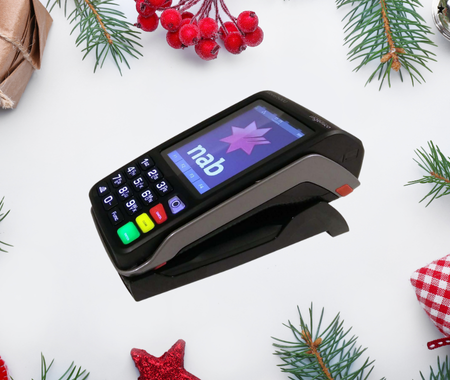
There are 3 payment devices available to corps. This resource page includes information and user guide instructions for each of the following:
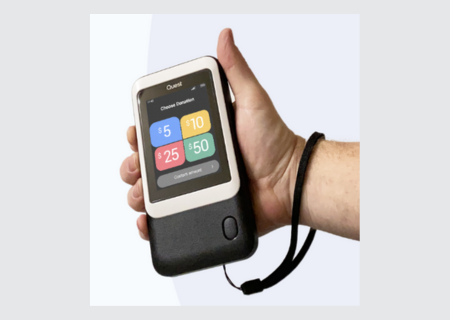
- Tap to Donate Quest 850c
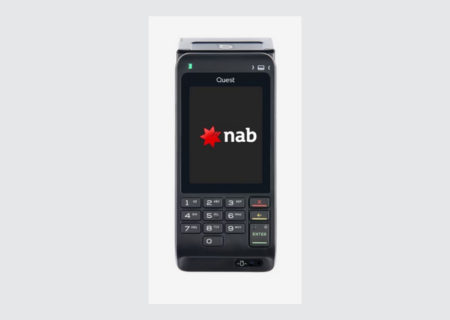
- NAB Eftpos QT850
- NAB Eftpos Ingenico Move 5000
These machines allow you to accept donations from a range of merchants (Visa, Mastercard, American Express, Diners, etc).
Check to see which device (or devices) you have and refer to the relevant model for user guides, signage templates, helpdesk numbers and more.
For any questions you have about Payment Technology, you can email: communityfundraising@salvationarmy.org.au
Payment Devices:
|
Tap to Donate Quest 850c |
|
|
|
NAB Eftpos QT850 support and information NAB Eftpos QT850 troubleshooting guide NAB Eftpos QT850 how to edit screensaver settings to save battery |
|
NAB Eftpos Ingenico Move 5000 |
NAB Eftpos Ingenico Move 5000 guide - Integrated and Standalone |
 NAB Eftpos QT850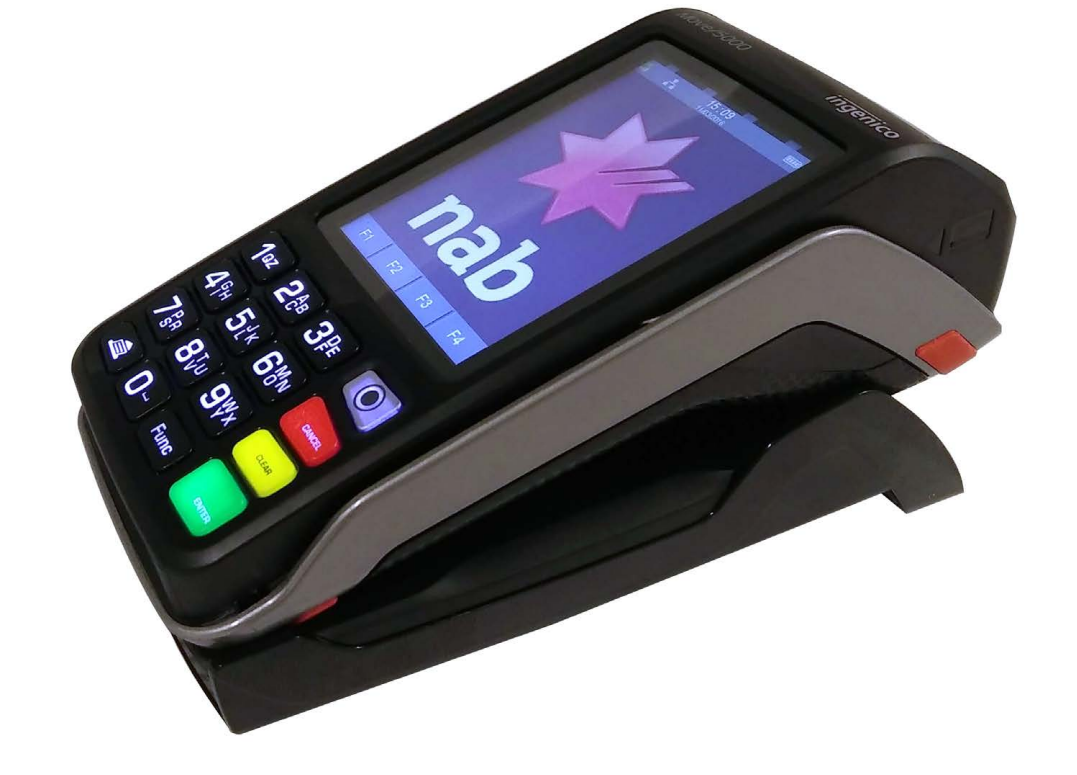
Category: Promotion / Communication
This resource is included in the following collection(s):
About the sharer
A collection of resources to assist your corps with fundraising for campaigns and appeals.
- Resources Uploaded11
- Resource Views5,351
- Average Rating